Switching from Jobber
Thinking about leaving Jobber?
Start with the work your team cannot afford to break: answering calls, booking jobs, getting paid, and keeping customer history intact. Run the same real job in CrewBrix and Jobber before you move.
In CrewBrix
See the CrewBrix side of the comparison
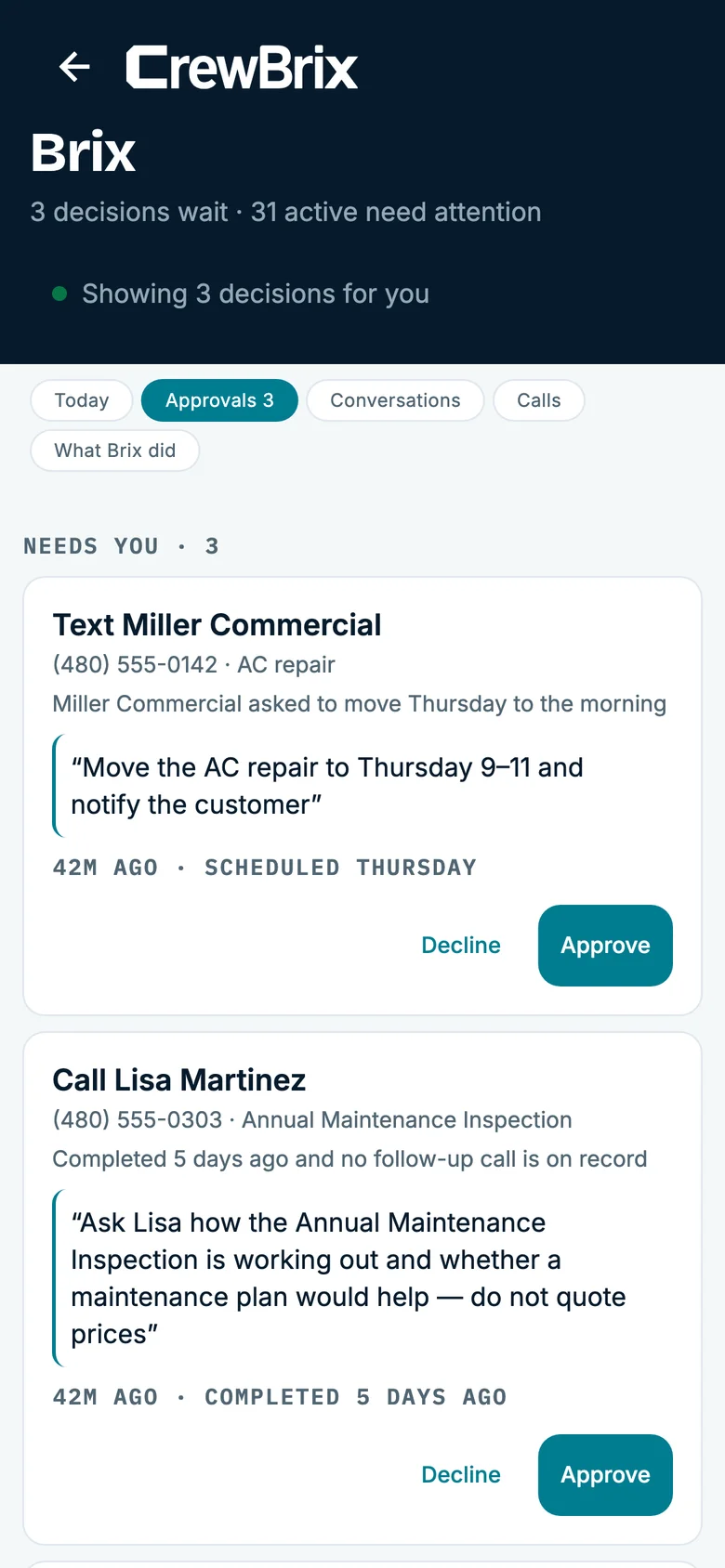
See the work that needs your attention in CrewBrix. Compare the same workflow in Jobber before choosing.
CrewBrix and Jobber
What you can compare before the demo.
Reviewed September 4, 2026 using the product pages linked below. Both products cover core field service work and offer AI answering. Compare the exact workflow, package, and integrations your business needs.
| Decision | Jobber | CrewBrix |
|---|---|---|
| Core daily work | Jobber lists scheduling, quotes, invoices, online payments, and a client manager. Available features vary by plan. Jobber source | CrewBrix connects customers, scheduled work, estimates, invoices, and payments. Use a sample job to check that the office can see the notes your crew saves. CrewBrix details |
| AI call answering | Jobber Receptionist handles calls and texts, answers questions, and can book into the Jobber calendar. AI answering is available in both products. Jobber source | Brix supports call intake and eligible booking inside your business rules. Check the plan, voice allowance, escalation path, and approval settings in a demo. CrewBrix details |
| Accounting and integrations | Jobber publishes QuickBooks Online and Xero sync plus an app marketplace. Check the plan and the data each integration syncs. Jobber source | Check whether CrewBrix supports your accounting system and the records you need to move. Test an export or sync before switching. Check your requirements |
| Getting new work | Jobber lists websites, online booking, and a Marketing Suite. Review the package for the acquisition channels you use. Jobber source | CrewBrix Connect is adding service companies in Phoenix East Valley. Requests depend on eligibility and local availability; lead volume is not guaranteed. CrewBrix details |
| Your total cost | Jobber pricing depends on plan, team size, billing commitment, and add-ons. Its pricing page publishes included users and payment fees. Jobber source | Compare the CrewBrix plan, add-ons, AI credits, voice minutes, and applicable payment fees. The free Connect account does not include Brix. CrewBrix details |
Before you move customer data
01
Bring a sample customer, an open estimate, a recurring visit, and an unpaid invoice. Confirm which records and attachments can move.
02
Reconcile customer counts, invoice balances, and upcoming visits after a trial import. Do not assume saved payment methods will transfer.
03
Run one job through scheduling, field notes, invoicing, and your accounting workflow. Test each step your team relies on before choosing a date to switch.
Before you switch
Jobber may still be the right fit if your team depends on an integration, workflow, onboarding process, or part of its ecosystem that CrewBrix cannot demonstrate today.
CrewBrix does not claim feature-for-feature parity. Confirm current workflows, integrations, migration, payments, reporting, mobile use, support, and total cost directly with both companies before switching.
Questions about leaving Jobber
How should I compare CrewBrix with Jobber?
Bring the same job, required integration, payment step, and report to both demos. Compare migration, mobile use, training, support, and total cost before you switch.
When should I stay with Jobber?
Stay with Jobber when it already supports a workflow, integration, or implementation need that CrewBrix cannot demonstrate today.
Bring us the job your team does every day
We will run it in CrewBrix from the first call through payment. Run the same job in Jobber and compare the steps, integrations, reports, and total cost before you move.