CrewBrix for Roofing
Roofing inspections, estimates, scheduling, and invoicing.
CrewBrix supports inbound requests, inspection jobs, photos and notes, estimates, scheduling, assignments, invoices, and payments. This page does not claim deposits, customer self-approval, or insurance-claim workflows.

One Roofing job
From request to completed work
Day 1
Demand arrives
The request keeps its source as it becomes a customer record.
Inspection
The estimator records the job story
Photos, notes and attachments stay with the work instead of a personal camera roll.
Estimate
The quote lives beside the customer
Prepare the estimate in CrewBrix. Ask us to show how follow-up would work for your team before relying on automation.
Decision
The business moves approved work into the schedule
Manage the work with the calendar, jobs, assignments, and crew availability. Confirm the customer approval and deposit process in your demo.
Build
The crew and office share the job history
Photos, notes, job status and assignments keep the work visible.
Closeout
Invoice and payment finish the job
Invoicing & Payments are current capabilities.
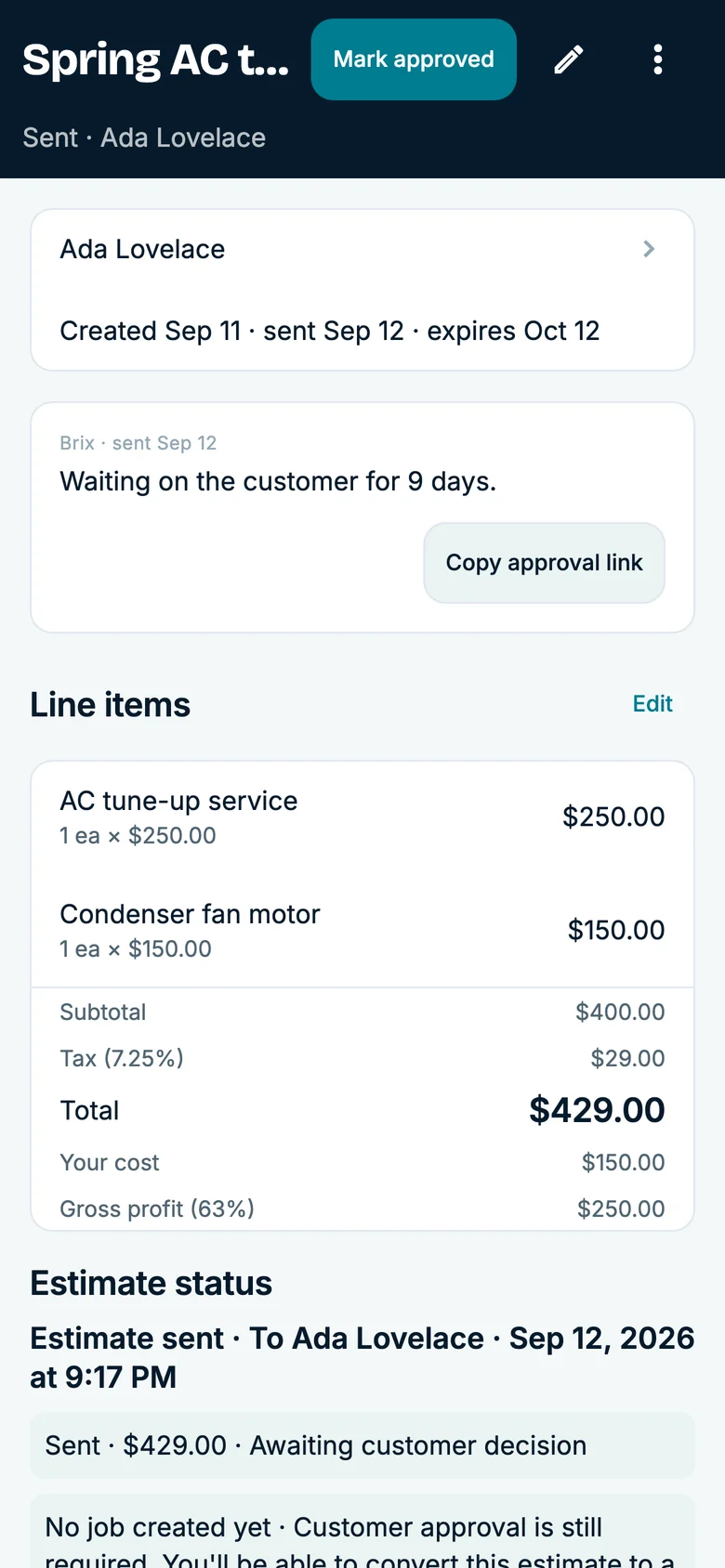
Inspection context
Carry the inspection record into the estimate
Review the property, inspection notes, photos, schedule, and estimate as one job moves from request to follow-up.
- Inspection work
- Property details, job photos, field notes, estimate context, and appointment timing.
- Next check
- Confirm the owner, schedule, and customer communication before the next step.
Use a demo account to inspect the workflow; this page does not claim insurance-claim or customer-approved change-order workflows.
Questions
Inspection-to-build details
See current plans on the pricing page, or compare other trades.
Can CrewBrix track where roofing demand came from?
Yes. CrewBrix can keep the request source with the customer and work records.
Can roof inspection photos stay on the job?
Yes. Job photos, notes, and attachments are current capabilities.
Does CrewBrix include estimates, scheduling, invoices, and card payments?
Yes. Those are current CrewBrix capabilities.
Does CrewBrix claim deposits, customer self-approval, or roofing insurance-claim workflows?
Do not assume those features are available. Ask us to demonstrate each one before you buy.
Trace a roofing request through inspection and scheduling
Bring an inspection request and estimate. The demo can show the customer record, photos and notes, scheduled work, invoice, and the workflows you need to verify before relying on them.