CrewBrix for Painting
Painting estimates, multi-day scheduling, and invoices.
CrewBrix supports customer and job notes, photos, estimates, multi-day scheduling, crew assignments, invoices, and payments. This page does not claim a dedicated customer-approved change-order workflow.
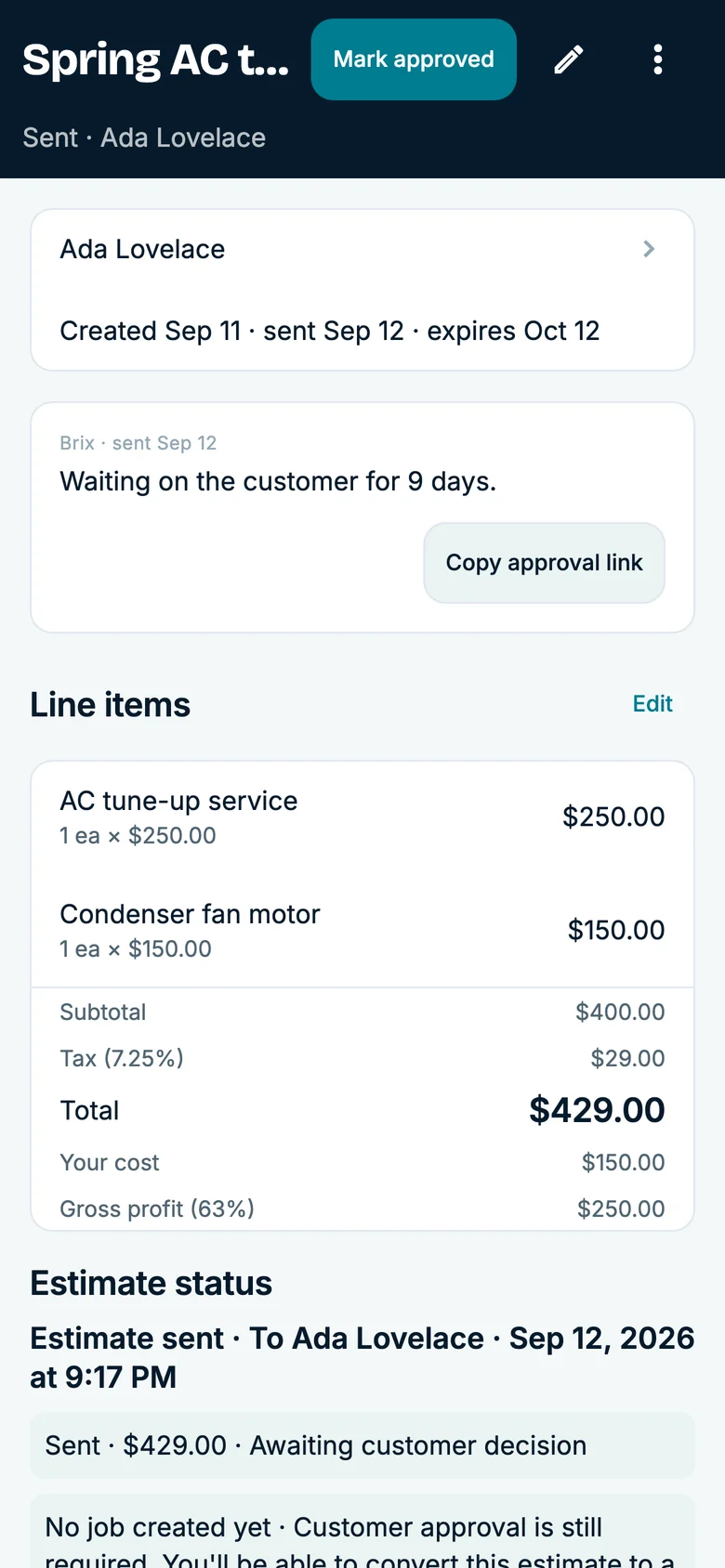
One Painting job
From estimate to invoice
Estimate walk
The customer and scope become an estimate
Estimates live beside the customer and job.
Before start
Photos and notes stay on the work
Notes, photos and attachments give the crew a shared record.
Day 1
The crew works from the scheduled job
Calendar, assignments and job status keep a multi-day job visible.
Day 2
The customer asks for more work
Save the added work on the job. Confirm how your customers will approve changes during setup.
Day 3
The schedule has to absorb the longer job
Availability and assignments show the office what changed.
Walkthrough
The work becomes the invoice
Invoicing & Payments close the job from the same record.
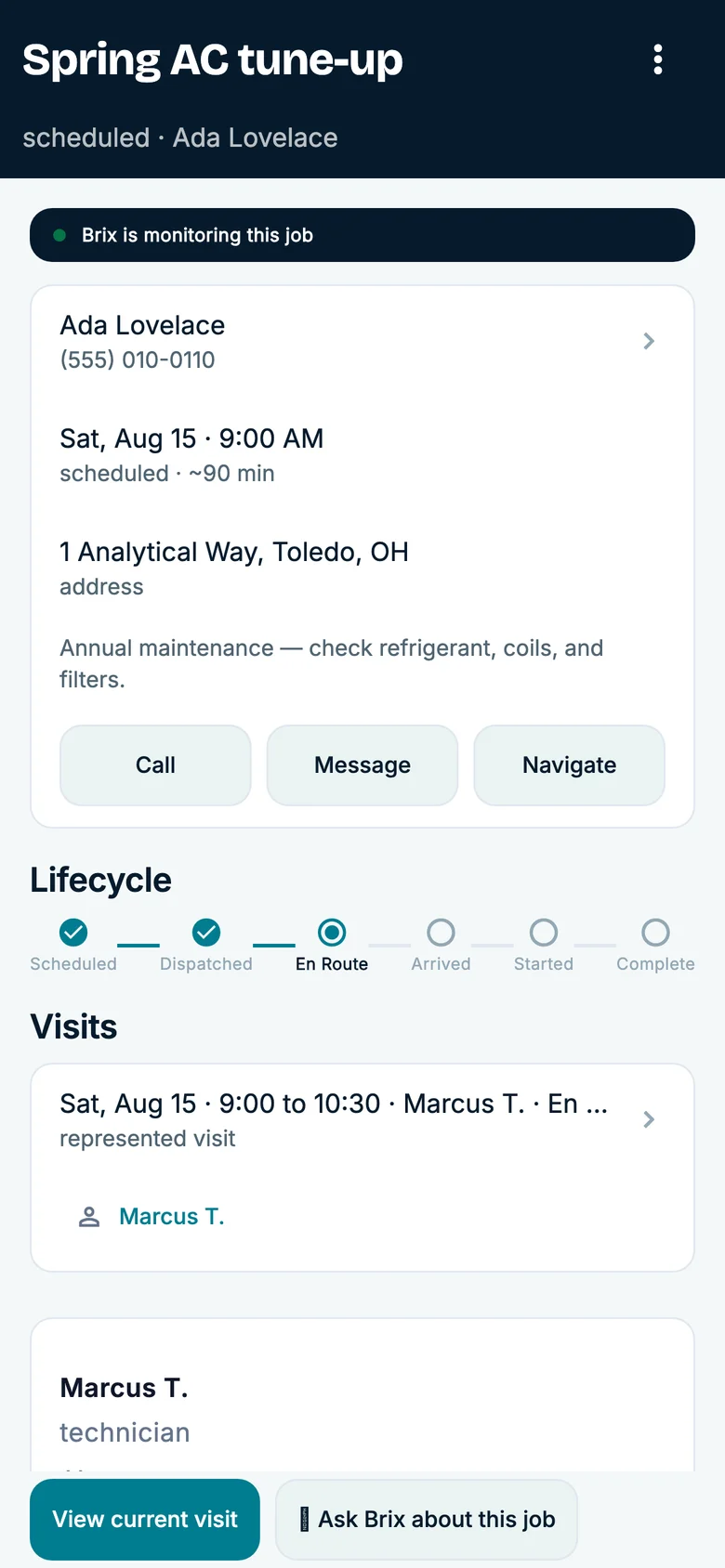
Multi-day context
Keep the scope change on the same job
Review the estimate, work notes, customer request, technician plan, and invoice context as a multi-day job changes.
- Scope history
- Estimate, photos, notes, appointment plan, and the customer’s stated request.
- Next check
- Confirm the crew schedule and the process your team uses for customer approval.
Use a demo account to inspect the job workflow; do not rely on a dedicated customer-approved change-order process without confirming it.
Questions
Multi-day job details
See current plans on the pricing page, or compare other trades.
Does CrewBrix include estimates for painting contractors?
Yes. Estimates are a current CrewBrix capability.
Can photos and notes stay on the painting job?
Yes. Job photos, notes, and attachments are current capabilities.
Can CrewBrix schedule multi-day painting work?
Yes. Jobs, calendar, assignments, availability, and status workflows support scheduled field work.
Does CrewBrix claim a dedicated customer-approved change-order module today?
Do not rely on that approval process until we have demonstrated it for your team.
See how a longer painting job changes the schedule
Bring a multi-day painting job and a scope change. The demo can show the estimate, job photos and notes, crew assignment, schedule impact, and invoice.