Scheduling and dispatch
Schedule contractor jobs and handle changes with the job details visible
CrewBrix includes appointments, jobs, technician assignments, and customer information in its scheduling workflow. Test the schedule conflict your dispatcher handles most often before choosing it.
In CrewBrix
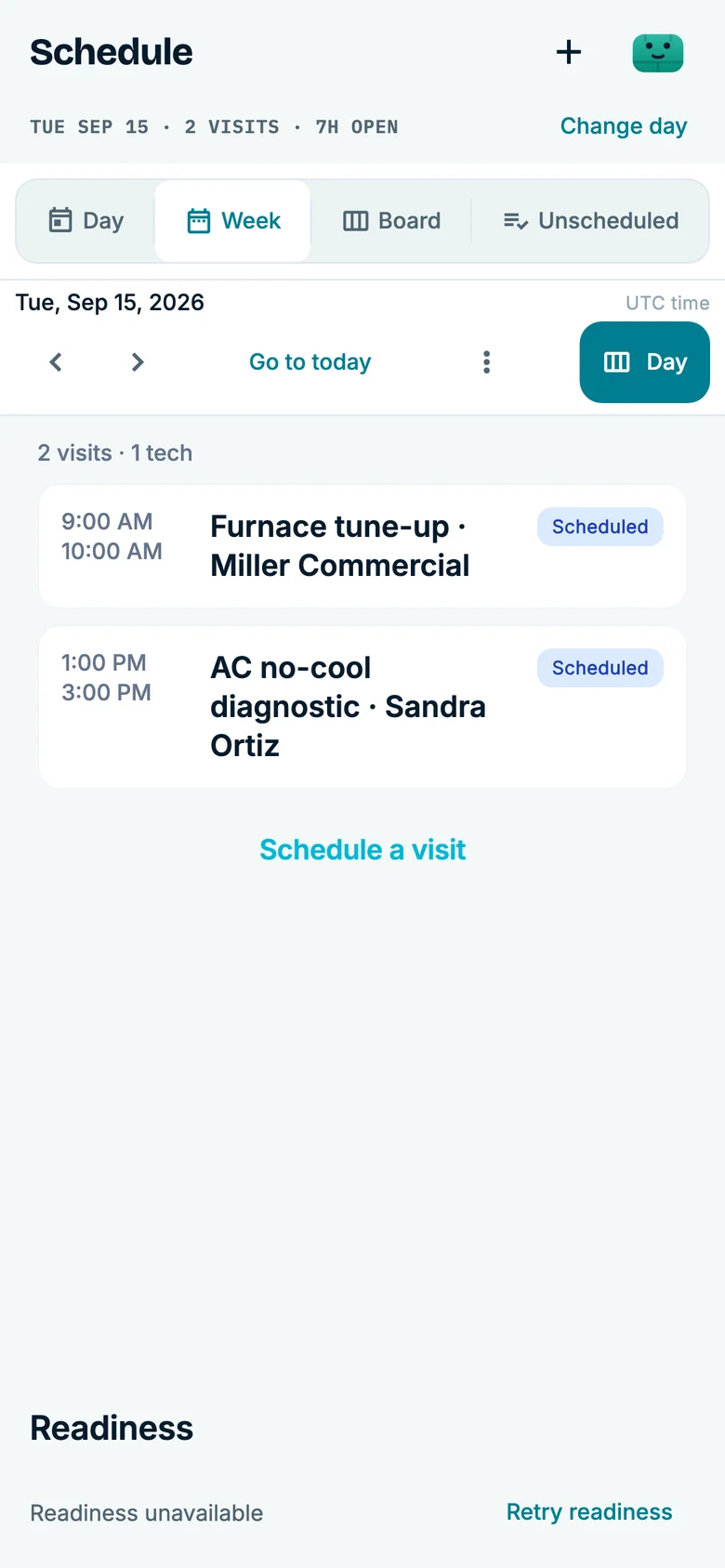
Review the current schedule
See scheduled visits and open time in the same calendar. Check assignment, rescheduling, notifications, and mobile access with your team’s workflow.
What to verify
- 01
Existing day
Load committed jobs and assigned technicians, then confirm the dispatcher can see the information needed to make a change.
LimitCrew availability and job data must be current; the screen cannot resolve missing or inaccurate inputs.
- 02
Urgent request
Add a same-day request when the preferred time or technician is unavailable.
LimitBrix may flag information or assist with a supported action, but an authorized dispatcher decides exceptions and commitments.
- 03
Reschedule
Move a job and check the updated assignment and customer communication visible to office and field roles.
LimitConfirm which notifications are configured and do not promise an arrival outside approved availability.
- 04
Completed work
Complete the job and verify how it proceeds to an estimate, invoice, payment, or follow-up task.
LimitBilling and payment behavior depends on the plan, provider, account setup, and valid customer information.
Questions to settle before choosing
Does CrewBrix include scheduling and dispatch?
Yes. CrewBrix includes job, appointment, assignment, and dispatch workflows. Verify your required views, permissions, notifications, and exception handling in the current product.
Can Brix help with scheduling work?
Brix can assist with supported scheduling tasks using current job, schedule, and account data. Exact actions and approval requirements depend on configuration and permissions.
Test the schedule change your dispatcher handles
Bring a same-day request, a reassignment, or a reschedule. Check the information each role can see, the configured notifications, and the person who makes the commitment.