Field service management software
Manage customer requests, jobs, schedules, invoices, and payments
CrewBrix gives office and field roles access to customer, job, schedule, estimate, invoice, and payment workflows on web and mobile. Brix can assist with supported tasks using current account data, permissions, and approval settings.
In CrewBrix
Review the job pipeline
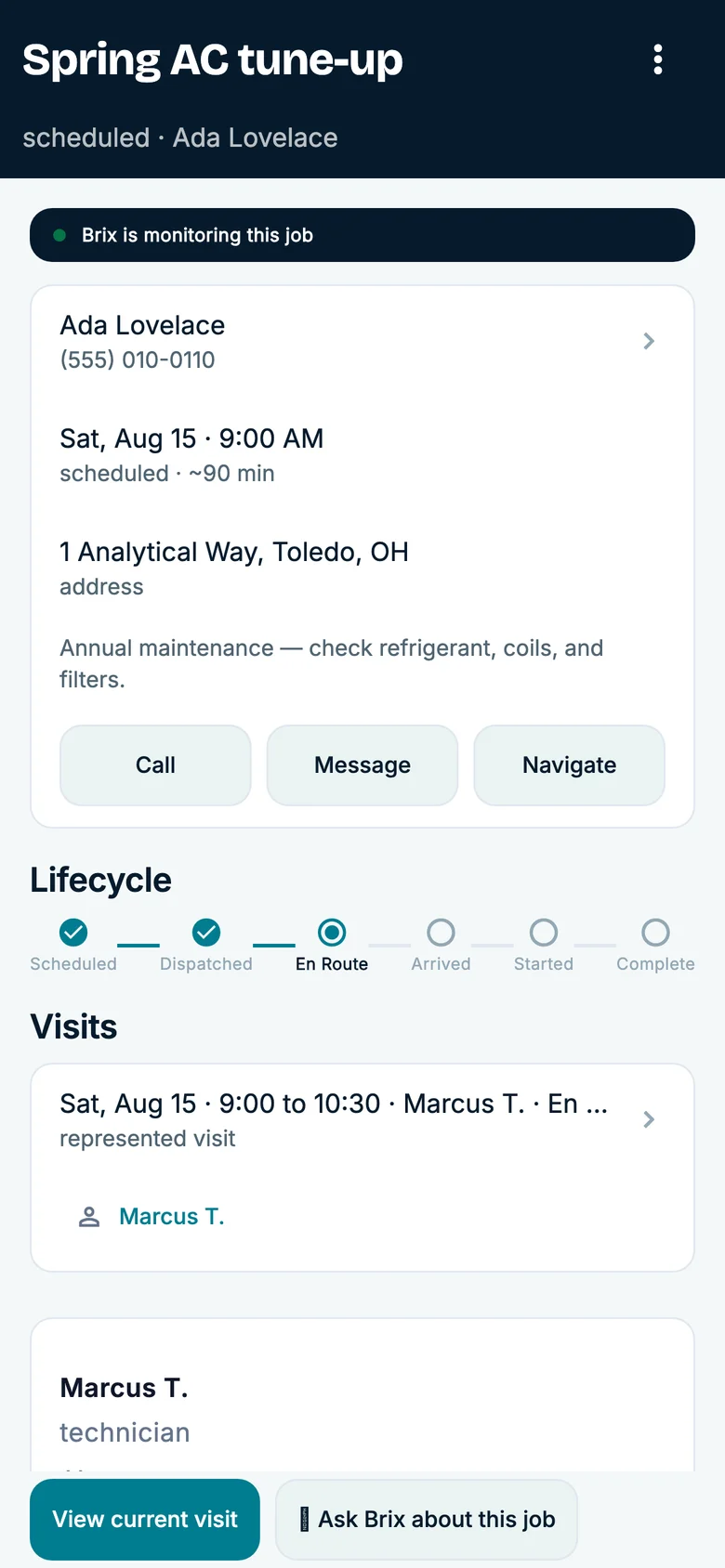
Open a job to review its visit, assigned technician, estimate, and next step. Check the information available to your office and field team.
What to verify
- 01
New request
Create a request with a known source and confirm the customer and reported need are available to the office.
LimitSupported calls, forms, messages, and Connect availability depend on channel, configuration, plan, and geography.
- 02
Schedule and field access
Assign the job, change an appointment, and check what the technician can see and update on mobile.
LimitA dispatcher or other authorized person handles conflicts and exceptions; verify each role's permissions.
- 03
Estimate, invoice, and payment
Create billing from the test job and review statuses, fees, receipt, and reporting.
LimitPayment methods, processing, recurring billing, and fees vary by plan and provider.
- 04
Brix action
Choose one supported task and inspect the proposed or completed action in the available activity history.
LimitDo not assume unrestricted autonomy. Verify data access, approval requirements, stop conditions, and available history for the action.
Questions to settle before choosing
What is field service management software?
It coordinates customer requests, jobs, scheduling, dispatch, field work, estimates, invoices, payments, and service history for businesses that work at customer locations.
Which trades does CrewBrix support?
CrewBrix publishes workflows for HVAC, plumbing, electrical, cleaning, pool service, landscaping, lawn care, pest control, roofing, painting, pressure washing, and handyman businesses. Verify your trade-specific process and exclusions in a demo.
Walk one job from request to payment
Bring a request, schedule change, invoice, and payment step. In a demo, verify the fields, role access, approvals, and current plan behavior your team needs.