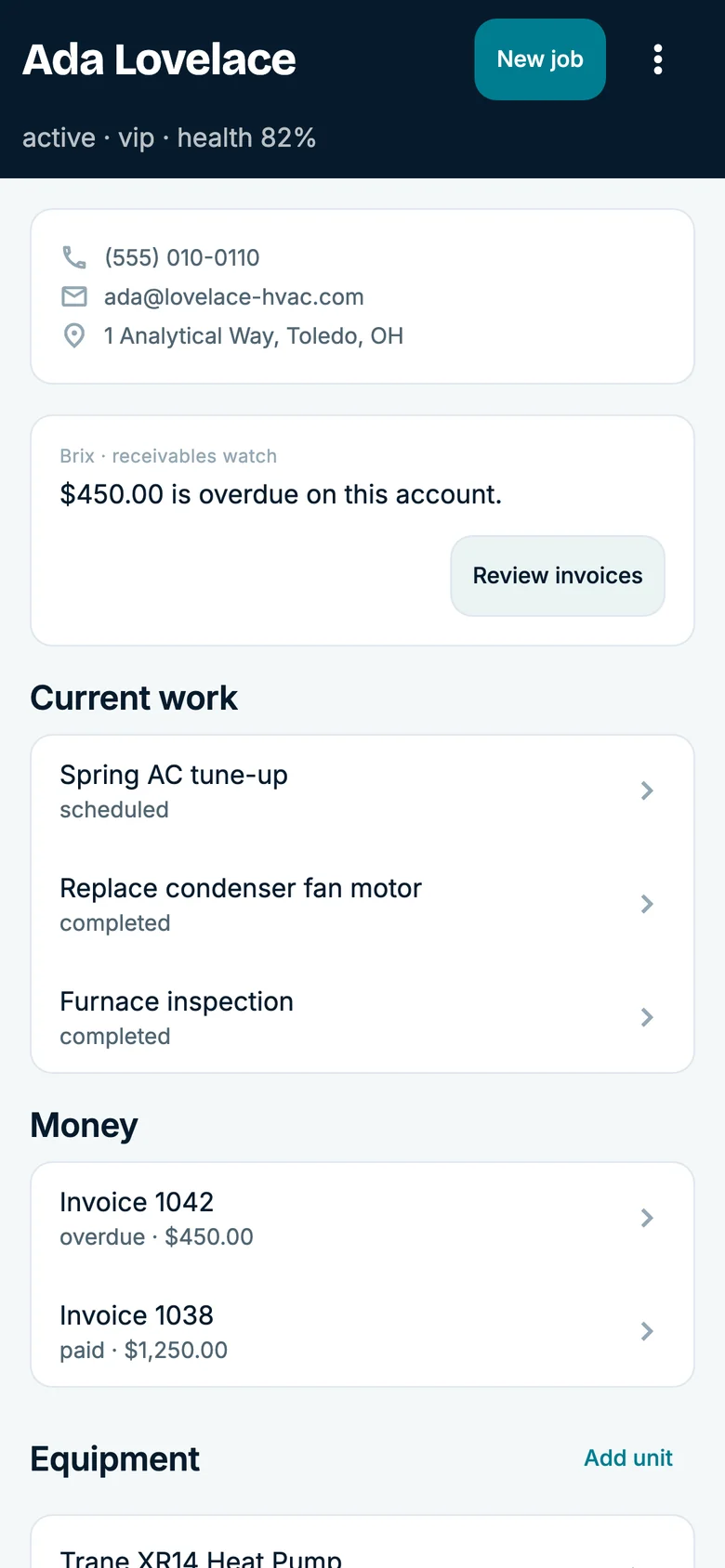
Past customers
Turn on a campaign and Brix works your list: the tune-up that's due, the quote that went quiet, the customer you haven't heard from since spring.
The AI operating system for service businesses
Brix helps answer calls, book jobs, text customers and follow up on invoices. Choose the work you want help with and review it in one place. Start in the app, or text Brix like a teammate.
Alex helps you explore CrewBrix. Brix is the AI that handles work inside your business. See Brix take a call · Prefer to write? Request a demo callback.
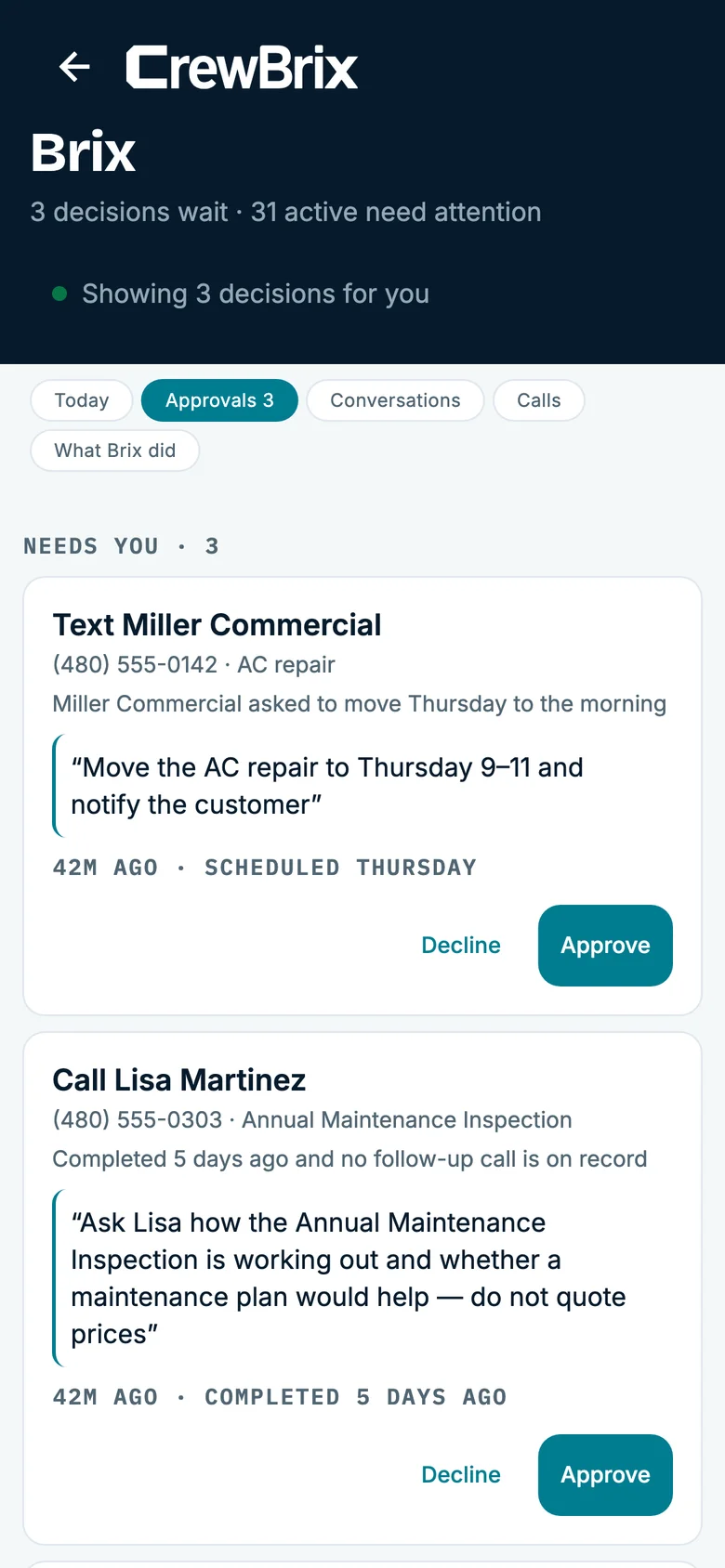
No menus. No forms.
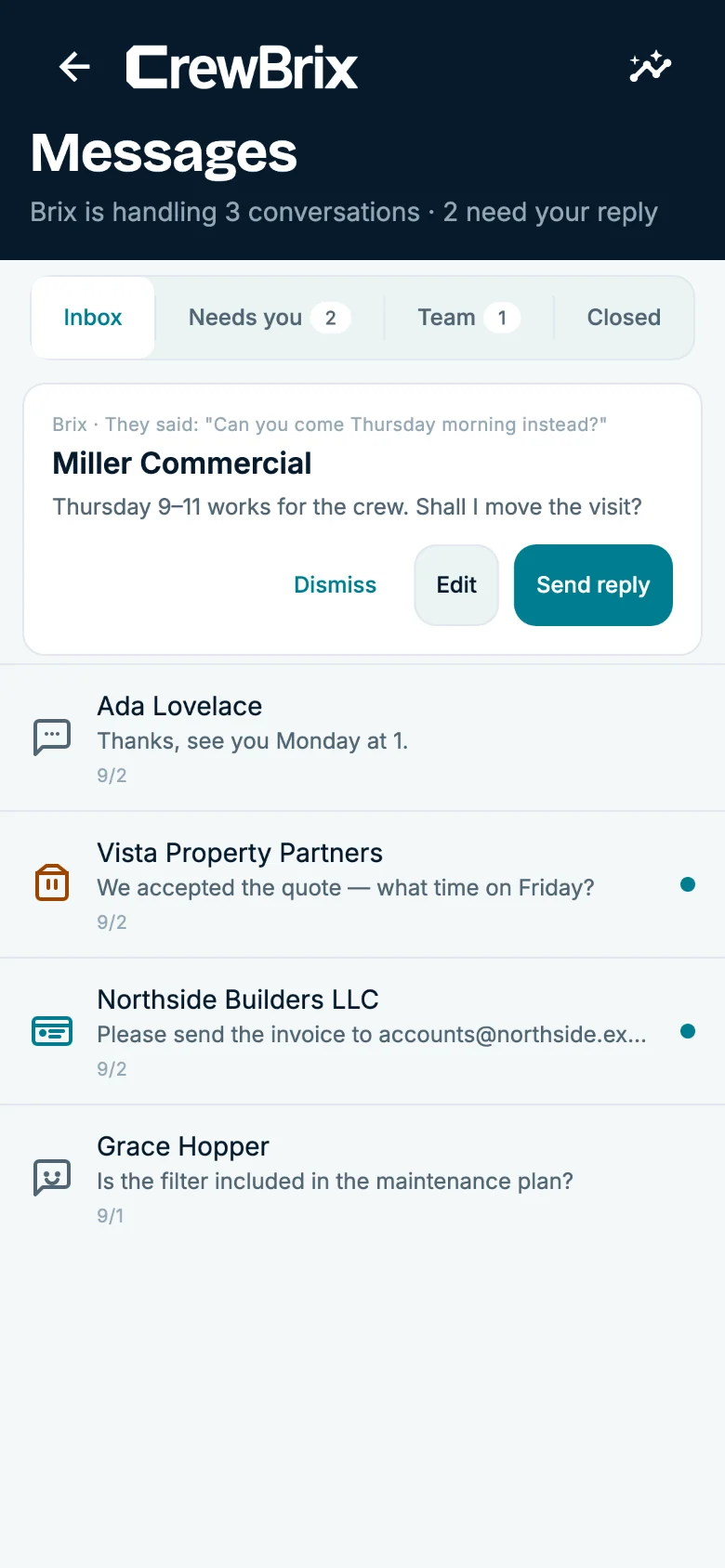
“Move Miller to Thursday morning.”
Brix moves the job, tells Dana, and texts Jordan the new time. You get one line back: done.
“Who still owes me money?”
Brix lists them, oldest first, with the amounts, and offers to send the reminders. Say yes and they go.
“Send Ada the bill for today.”
Brix builds the invoice from the finished visit, attaches the pay link, and sends it. Voice, text, in the app or out of it.
Tell Brix once.
Set your service area and price book so Brix has the facts for the next request. Review its work and adjust your settings as you go.
Your permissions
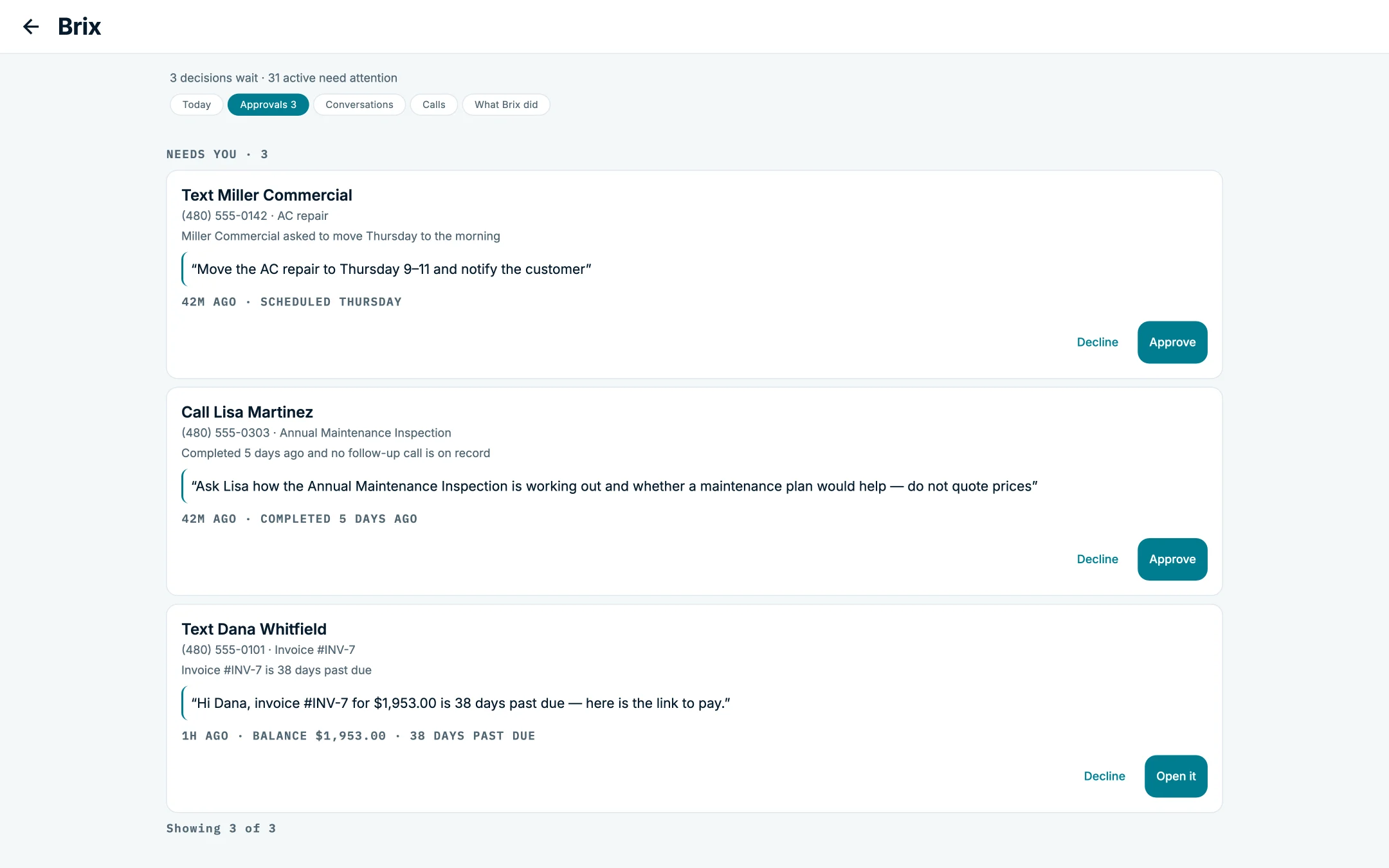
Choose which business records Brix can use and which supported actions need approval. Review prepared work in Decisions and recorded activity in What happened. Test the rules that matter to your business before turning on a live workflow.
Use supported calls, booking, customer texts and follow-up with your plan and permission settings. Check recorded activity when you review its work.
It answers, preps the job, drafts the text and lines up the schedule. Then it waits. You say yes or no.
Use Brix for reminders and prepared work. Review prepared actions before approving them.
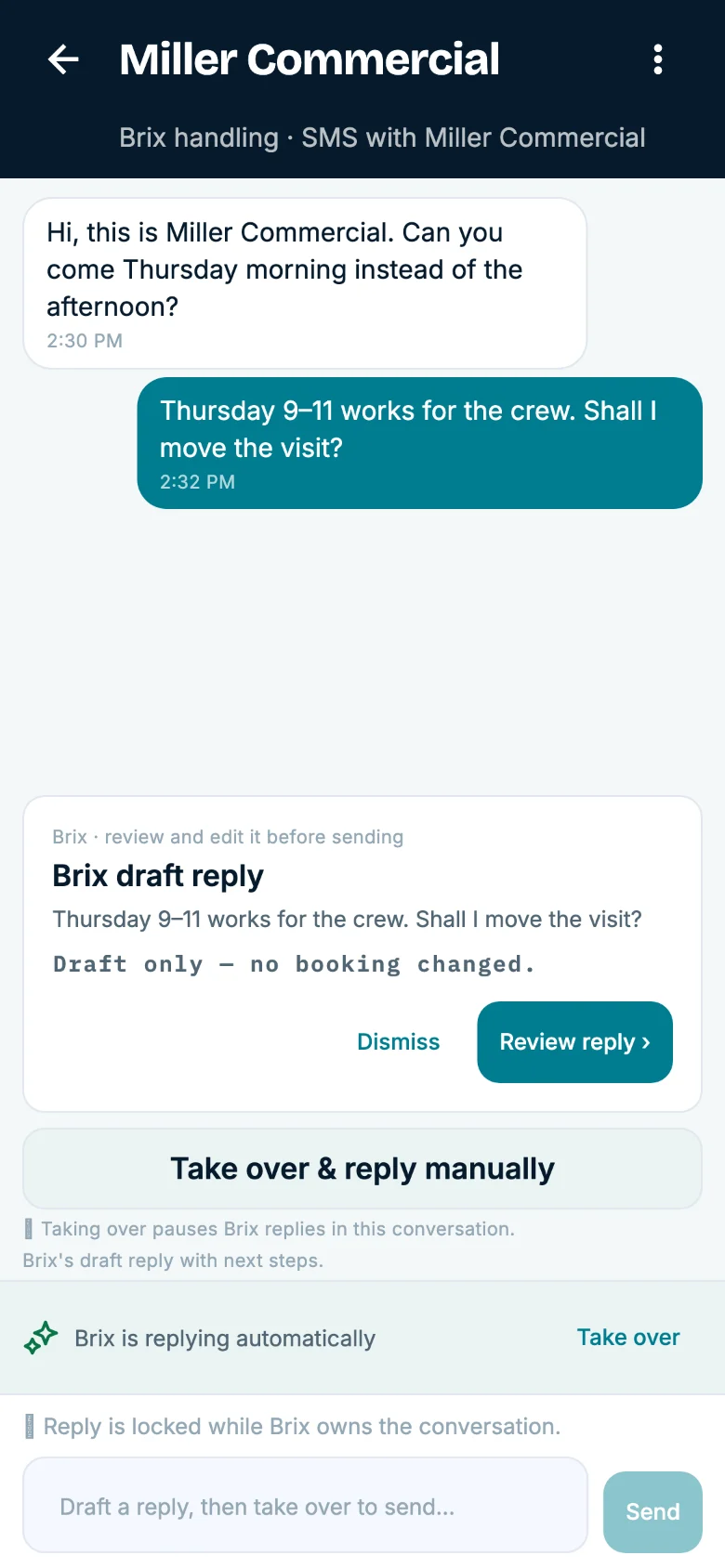
Move the AC repair to Thursday morning
Jordan at Miller Commercial wants a morning visit. It’s on the books for Thursday, 1 to 3. Dana’s open at 9.
Waiting: Thursday, 9 to 11 AM
The schedule, Dana’s job and the history all show the new time. Nobody has to call anybody back.
Example customer text“Hi Jordan, you’re all set for Thursday, September 24, 9 to 11 AM. Dana Lee will see you then.”
Interactive preview · Sample data · No messages or payments are sent.
Making you money
Most software waits for you to type something in. Brix goes and finds the next job: in your own customer list, on your social pages, and on CrewBrix Connect.
Turn on a campaign and Brix works your list: the tune-up that's due, the quote that went quiet, the customer you haven't heard from since spring.
Connect Facebook and Instagram. Brix answers the messages, keeps the lead, and turns it into a booked job.
Homeowners near you looking for a company that does your work. Turn it on, and Brix takes the request from there.
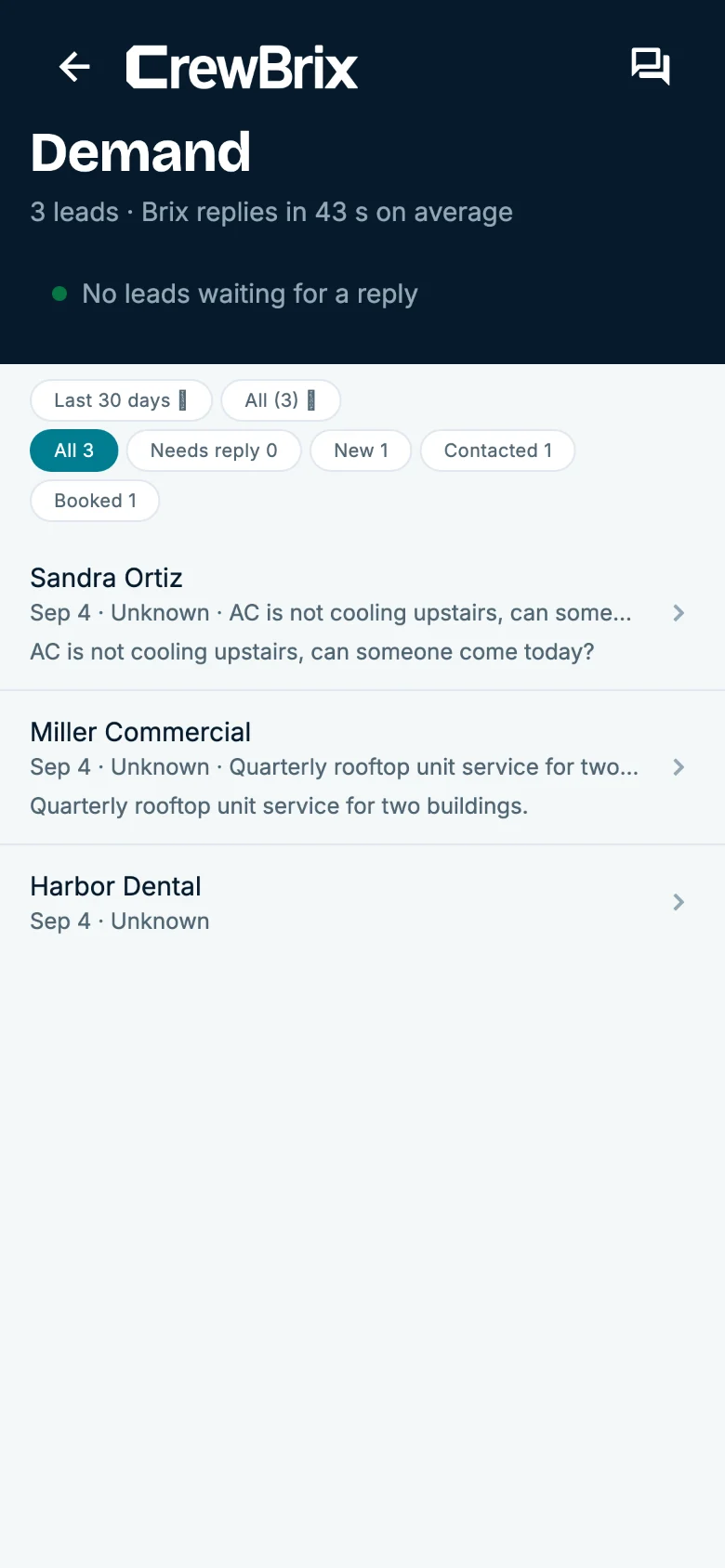
Already getting inquiries? See the lead-response workflow for capturing the request, assigning follow-up, and checking what happened next.
Not a chatbot
Brix learns your business. It remembers your customers, your prices, your hours, and how you like things done, and it gets better at your job the longer it works for you. It doesn’t clock out at five.
The customer before you pick up: history, equipment, what they still owe.
Your price book, your hours and your service area. Check quotes before they go to customers.
Choose approval settings for supported actions. Test them with your team before using a live workflow.
Review recorded calls, messages and action results. Check failed or incomplete steps before following up.
Pricing
Field service software for contractors, with Brix on every plan. Plans start at $29 a month. Included Brix minutes, extra-use rates and payment fees are all on the pricing page, and your final terms show before checkout.
Starter
Brix answers, books and invoices. You okay the rest.
Pro · trial starts here
Adds dispatch, recurring billing, and what each job made you.
Business
Brix runs the routine work start to finish, inside your rules.
Choosing a system for the whole crew? Explore CrewBrix field service management, then use the software buying guide to test the same job in each product.
Set your permissions, forward your number, and see what’s waiting for you Friday.
THREE WAYS TO TRY CREWBRIX
A new lead. A change of plans. A job paid.
Pick a story and try both sides of the experience.
Interactive preview · Sample data. No messages or payments are sent.
Wednesday morning · The first hello
STEP 1 OF 5
Jordan at Miller Commercial sees your Facebook post about AC repairs and follows it to your website. See what happens to the request next.
This changes the preview only.
 Your workspaceSample companyO
Miller Commercial
Brix prepared this
This example follows a Facebook post to a website request. The source stays with the lead.
No. The phone is one thing Brix does. Brix also books the work, texts customers, sends invoices, chases what you're owed, runs follow-up campaigns and handles your social messages. Available actions depend on your plan, setup and the permissions you choose.
Not if you don't want to. Text Brix like you'd text a teammate, or talk to it. Brix does the job and texts you back. The app is there when you want the full picture.
Review prepared actions in Decisions and check recorded activity in What happened. Test your approval settings with your team before relying on them for live work.
Set which business records Brix can use and which supported actions need your approval. Start with a limited workflow, check the results, and expand when it works for your team.
The phone view shows one day, one job at a time, with the address, the history and a button to finish the visit. Nothing to learn.
Essential storage stays on to remember this choice. Google Analytics loads only if you allow it. Advertising storage stays off. You can change your choice in Cookie settings.
